

Wireless HDMI Display Adapter 4K, SOCLLLife Screen Casting Dongle for i-Phone, Android, Laptop, PC to HDTV/Projector/Monitor, Supports Airplay, Miracast, DLNA for Movies, Videos, Presentations
$29.99
Related Products


From the brand

Wireless HDMI Display Adapter
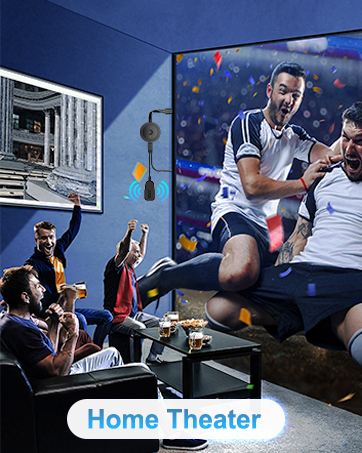

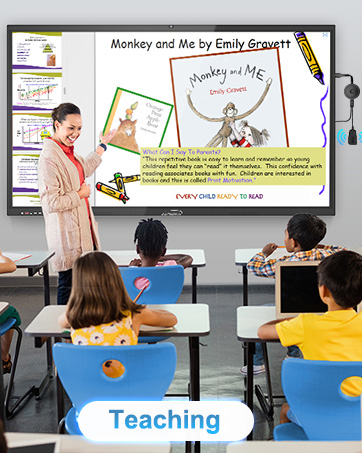
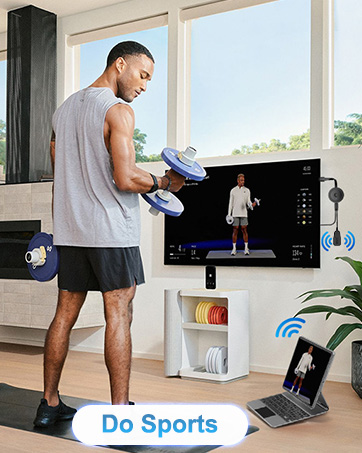
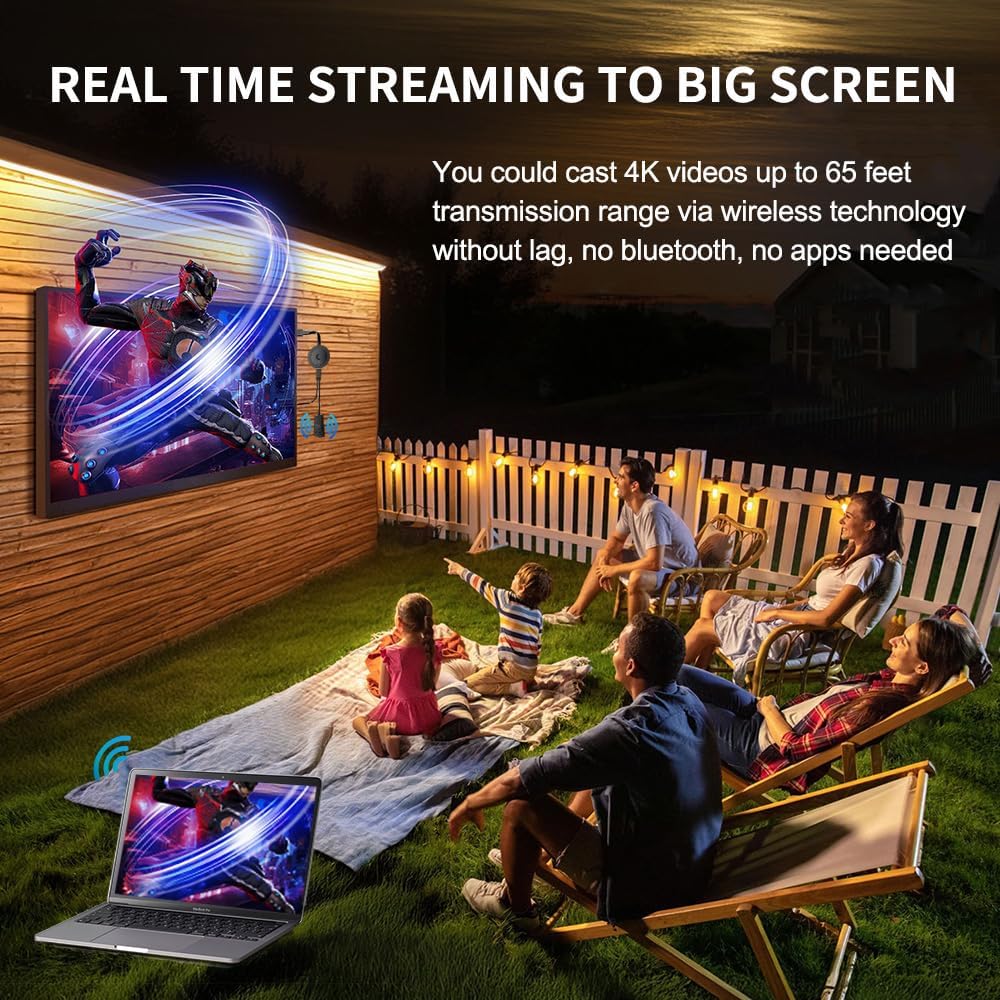
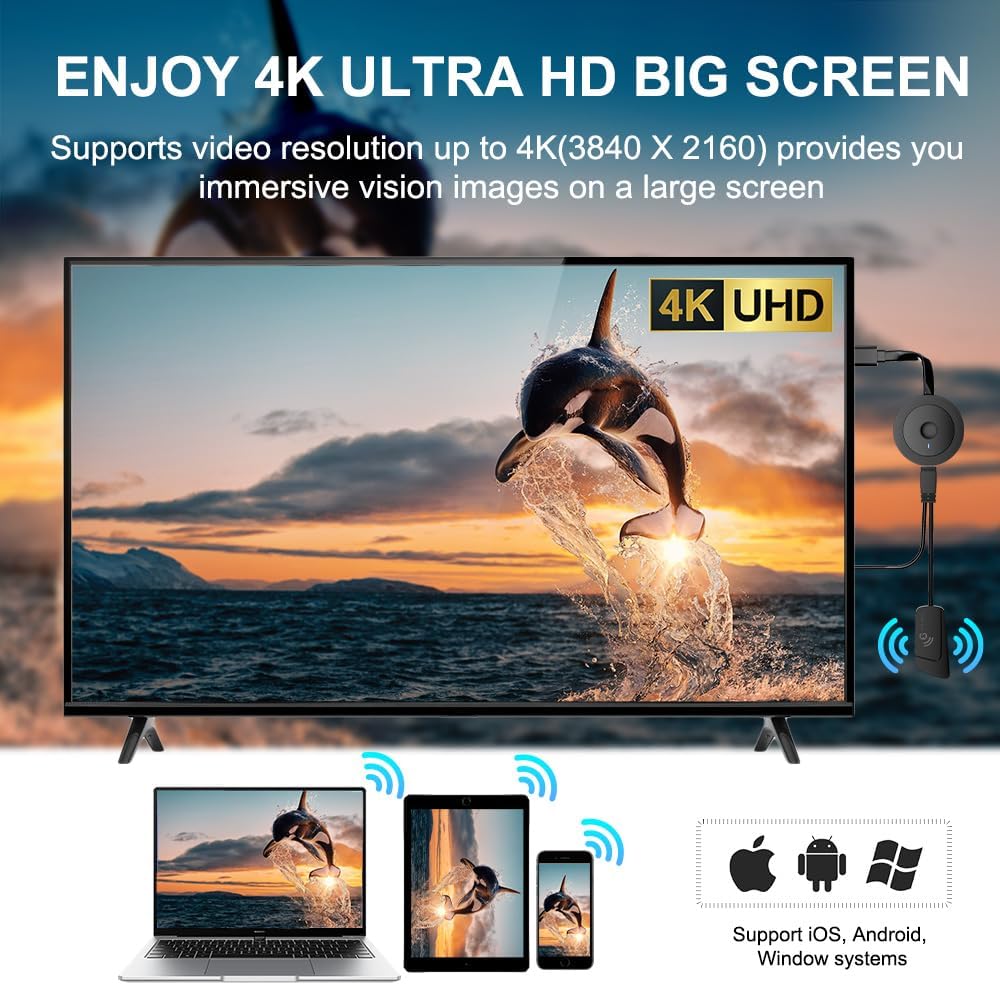
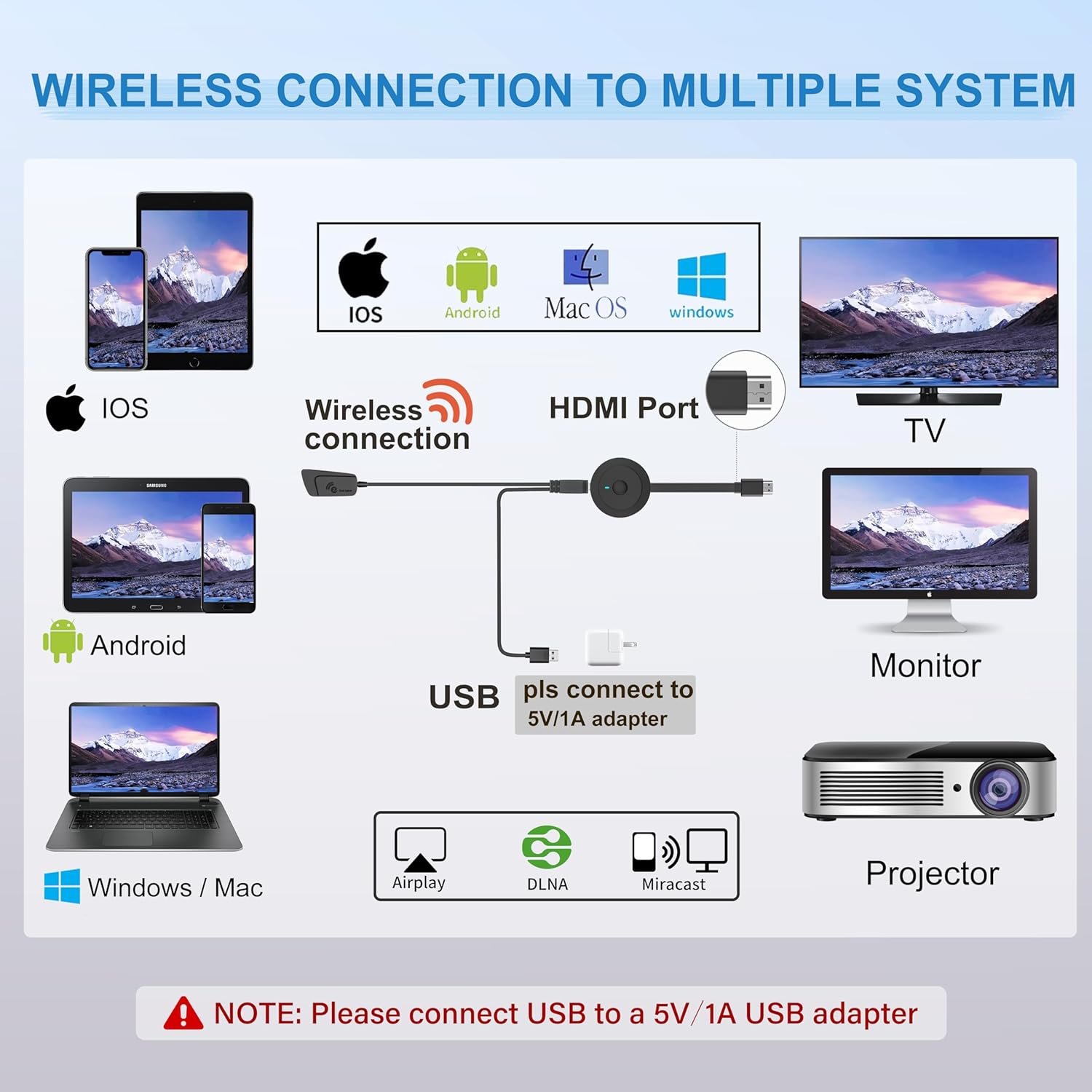
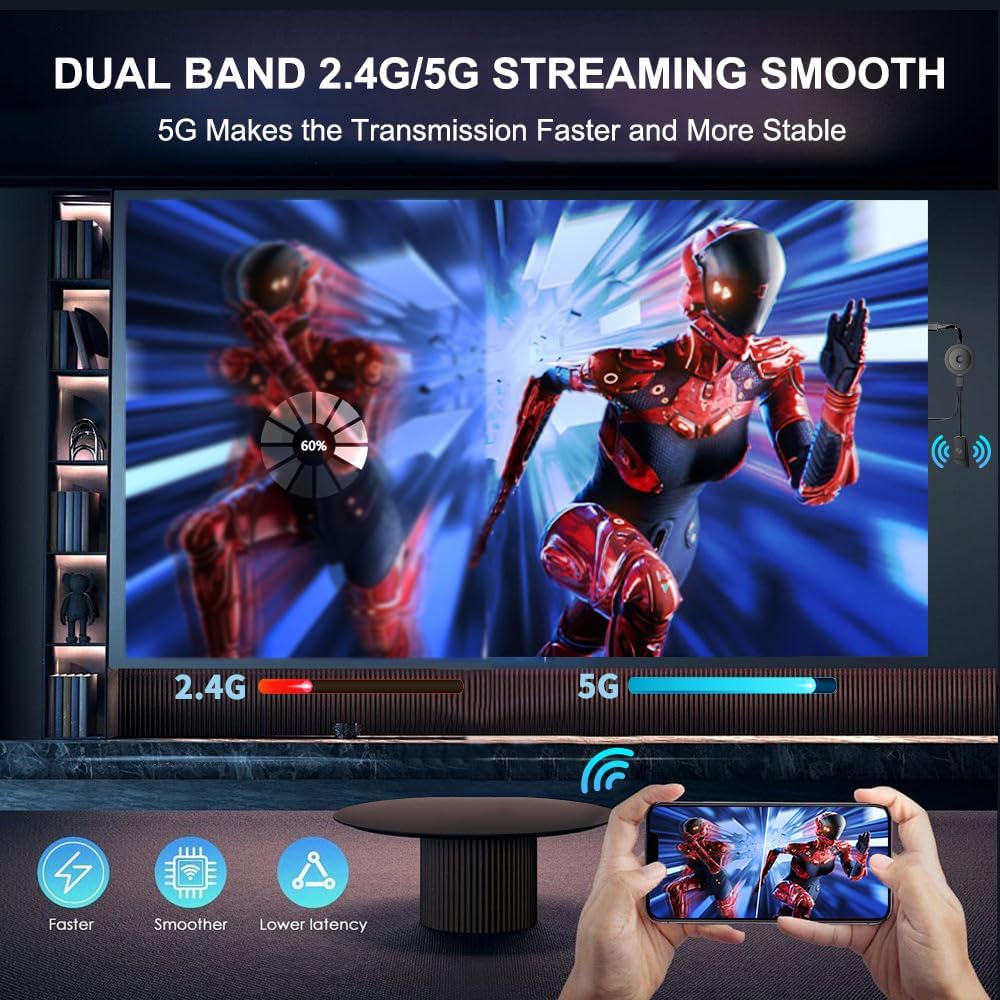
【ENJOY 4K CASTING WITHOUT CORDS】SOCLLLife Wireless HDMI Adapter mirrors 4K video and audio wirelessly from your i-Phone, i-Pad, MacBook, Android smartphones, tablets, laptops, and PC, on larger screens like TVs, monitors, and projectors. Say farewell to tangled HDMI cables and enjoy 4K casting experience at your living room or office
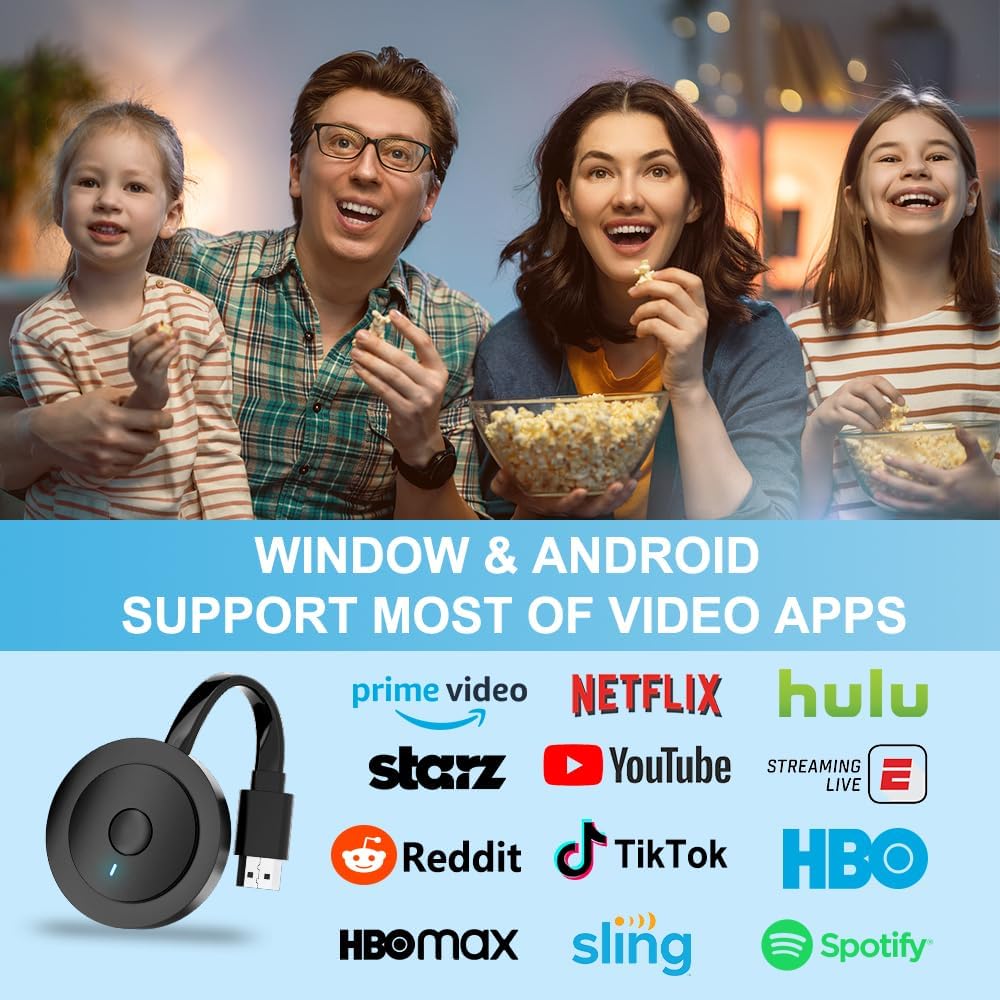
【BIG-SCREEN CASTING FROM ANDROID & WINDOWS】Our wireless HDMI adapter lets you cast Netfix, Prime Video, Sky Go, HBO Max, YouTube, and more—instantly from your Windows ( ≤ Win 10) or Android device. Just plug and cast, you can enjoy smooth, high-definition series, movies, live sports, and shows on the big screen
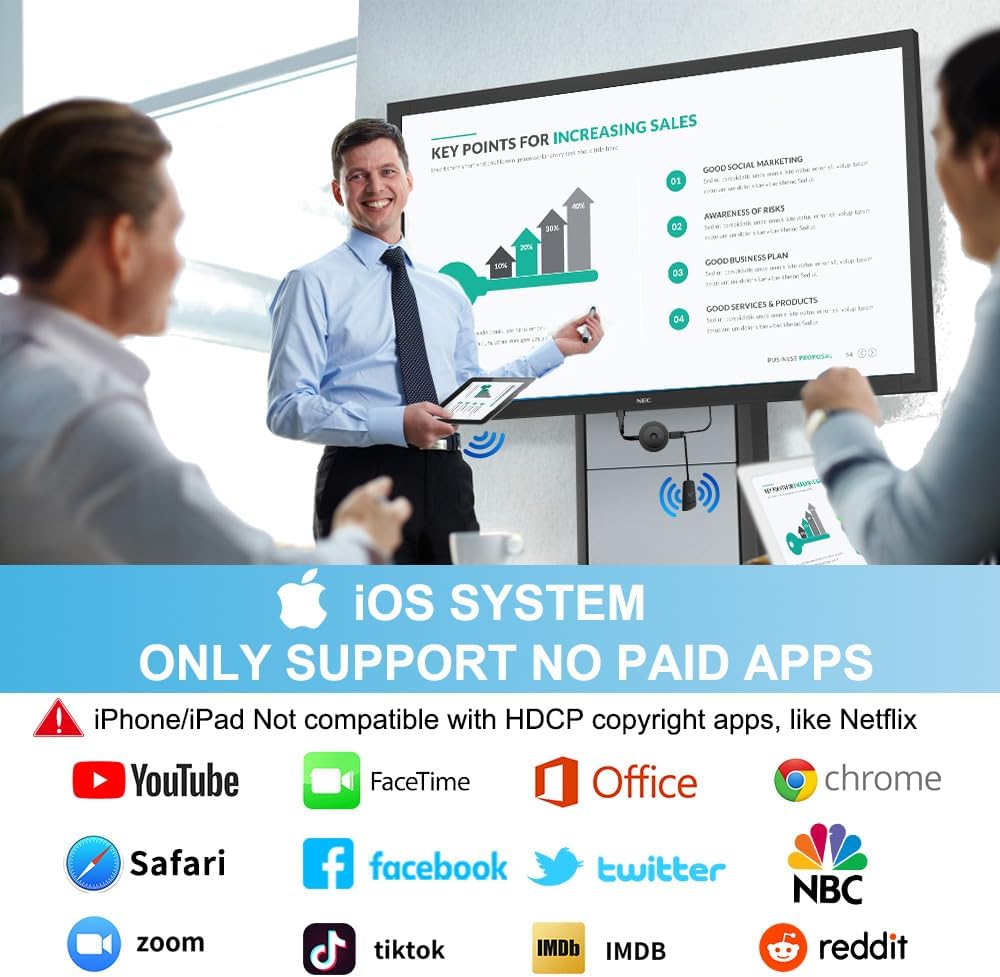
【IOS MIRRORING WITH LIMITED APPS】Using SOCLLLife Wireless HDMI Adapter, you can cast videos, photos, web browsing, and presentations from your i-Phone(including i-Phone 17), i-Pad, or MacBook to your TV. Supports mirroring popular apps like Safari, YouTube, TikTok, Zoom, WhatsApp, and more. Note: Not compatible with HDCP-encrypted apps like Netfix, Prime Video, or Hulu
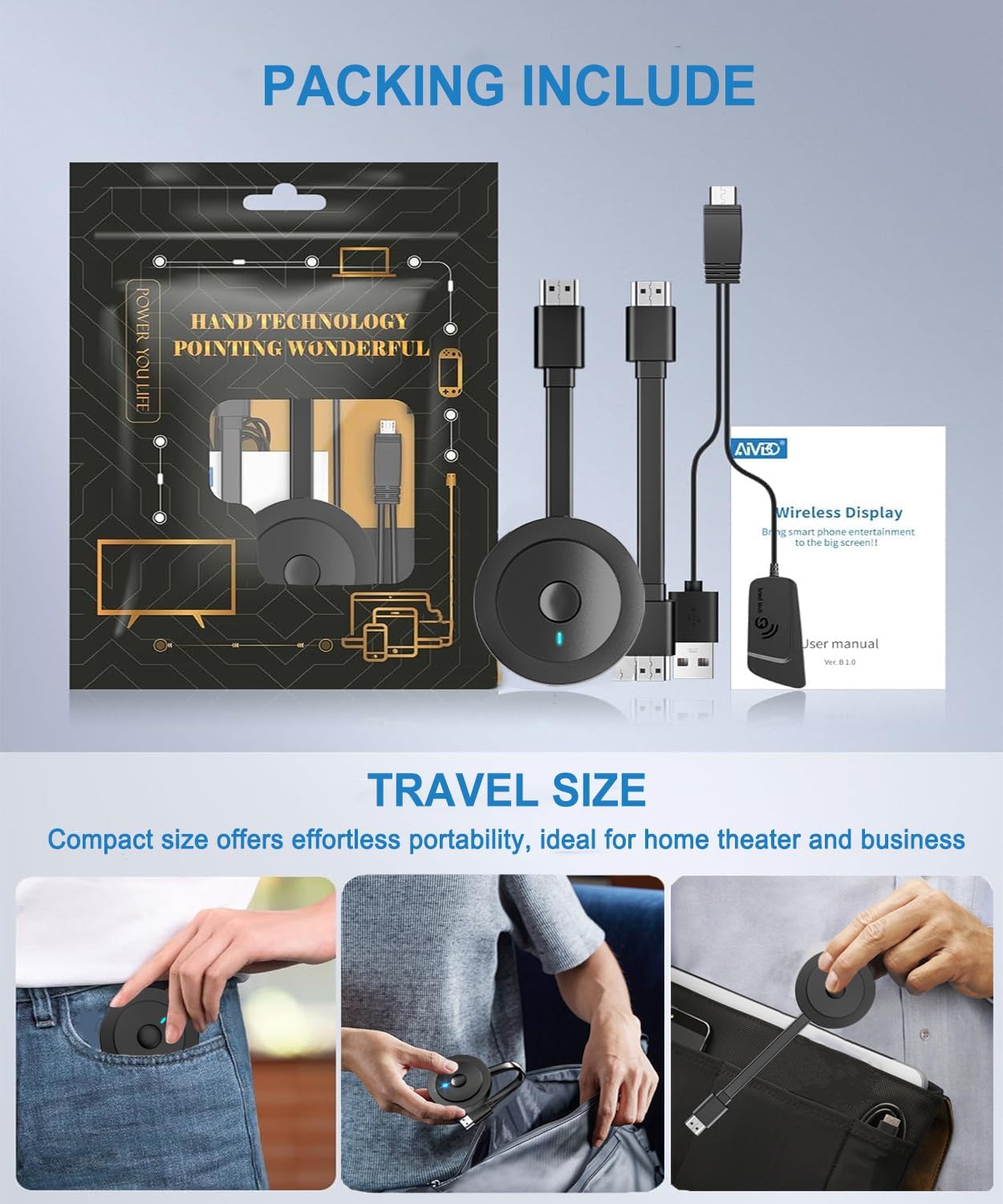
【QUICK SETUP & CONNECTION】No complicated app downloads or Bluetooth pairing required—plug the dongle into your TV, power it, and connect via your device’s mirror function. Truly enjoy HD video and audio with simple, wireless convenience. (Note: iOS users need an extra step to connect to the dongle’s wireless signal)
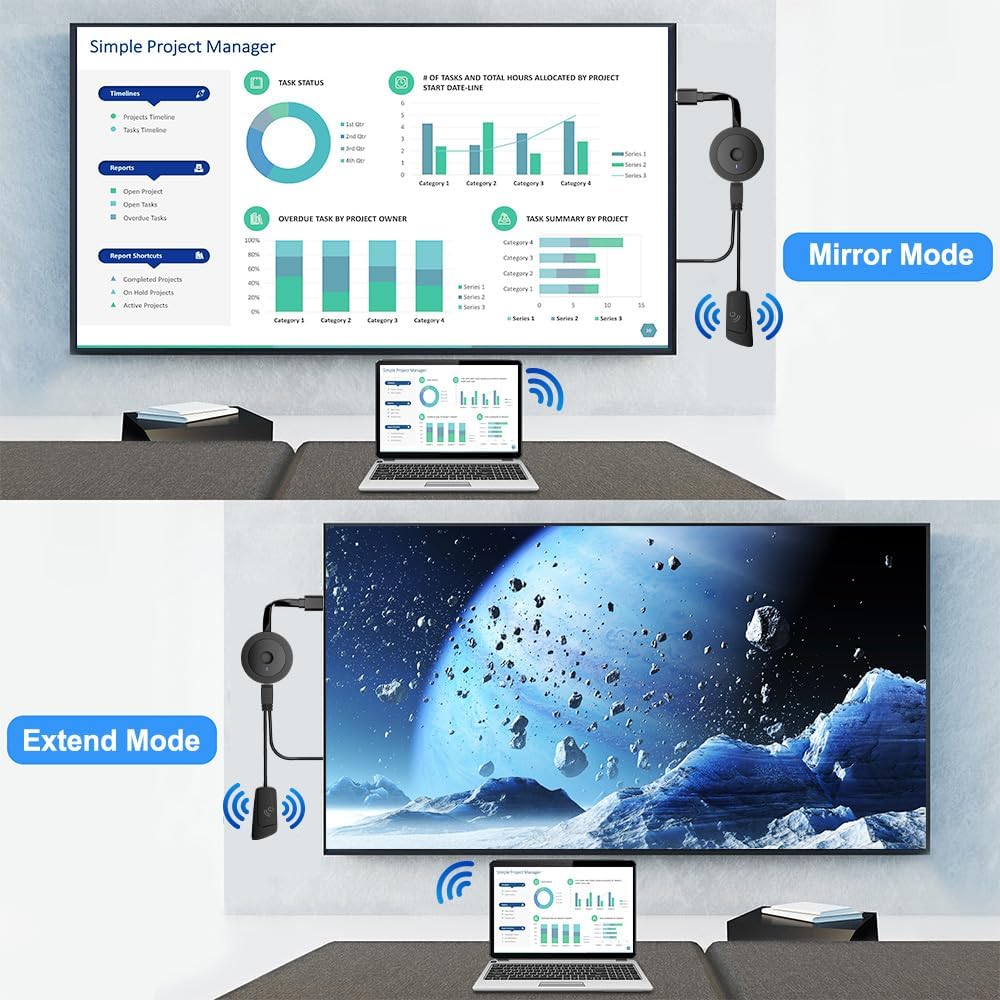
【MIRROR & EXTEND DISPLAY MODE】Our Wireless HDMI Dongle features mirror mode and extend mode. Use Mirror Mode to share your device’s content on TV in real-time, supporting 4K, 1080P or 720P resolutions. With the Extend mode, you can watch movies on TV while browsing your phone for other websites or apps simultaneously
【ONLINE UPGRADE】Note: Before screen mirroring, Google Pixel phone users need to upgrade the dongle’s chip online to ensure optimal performance. Contact us for upgrade assistance if needed
8 reviews for Wireless HDMI Display Adapter 4K, SOCLLLife Screen Casting Dongle for i-Phone, Android, Laptop, PC to HDTV/Projector/Monitor, Supports Airplay, Miracast, DLNA for Movies, Videos, Presentations
Add a review

$29.99
Vanessa JS –
It is highly recommended.
After using this wireless screen projector, it is really much more convenient. Because in the past, you always had to pull the long HDMI cable, which was troublesome and not beautiful. Now, as long as you plug in the wireless screen projector, you can project the screen directly, and the whole connection process is very fast and smooth. I use an Android phone and a Windows flashback. There is no problem in switching the screen projection on both sides. There is almost no need to wait after connecting!The installation part is really simple. You don’t need to download any unnecessary applications. Follow the instructions in a few steps to complete the setting. In terms of image quality, I feel very surprised. It is still clear on the big screen, and the colors and details are well restored. It is very comfortable to watch movies and take photos. The sound synchronization is also very stable, and there is no noise or delay.What surprised me most was the fluency. I could hardly feel the delay. I have used other brands before, and I often encountered the problem of picture delay or asynchronous. This one has no such problem at all.
Bogart –
No More Cables for Movie Night
My family and I have been trying to find an easy way to watch movies from our phones on our TV without a mess of wires. Our TV is mounted, so running a cord isn’t an option. I saw this wireless HDMI adapter and decided to try it. It was really simple to set up; I just plugged it into the TV. We’ve been using it to stream movies and YouTube videos from our laptops and phones, and the 4K resolution is solid. The picture looks clear and crisp, and we haven’t had any lag. It’s so much easier than passing a laptop around or trying to find the right cable. This is a good device for a family who wants a simple way to stream content to their TV.
Jasmine –
Does not match samsung galaxy
Not sure it works well with other cell phone.At least, it doesn’t work with my Samsung galaxy.Sounds broken few times during a song. 3,6 time/song(2-5 minutes)Returned
Andromeda –
Easy setup wireless HDMI adapter
I used to love the idea of watching movies from my laptop on the TV, but the hassle of moving the computer and dealing with tangled HDMI cords always made me think twice. That changed once I picked up this wireless HDMI adapter. The device itself is small and plugs straight into the TV’s HDMI port, so setup took almost no time. The best part is how versatile it is. I can use it not only with my laptop but also with my phone and tablet, and switching between devices is easy. Now I can stream videos, browse photos, or even share presentations without dragging out cables. The picture stays sharp and clear, and the connection has been stable every time I’ve used it. No lag, no sudden disconnects, just smooth streaming. What used to be a chore has turned into a simple and quick process, and I end up using my TV for streaming far more often now.
Christian west –
Waste of money
Won’t connect to anything. Can’t get any internet connection on it… bought 2 and can’t use either…. save your money and buy better
wmls –
Perfect image quality!
I’ve always wanted to be able to project content from my phone or computer onto the TV, making it more convenient for watching videos or giving presentations. I’ve been using this device and it’s been fantastic. It’s incredibly versatile, not only allowing for projectors but also syncing photos and meeting screens, making it very useful for both daily entertainment and work. The device itself is well made. Despite its small size, it feels sturdy and doesn’t feel cheap. It doesn’t get hot even when plugged into the back of the TV for extended periods. Installation is also simple: just plug it in and follow the instructions, without downloading any complicated software. The picture quality is excellent. Videos are crisp and detailed, with vibrant colors and no screen fragmentation. Whether watching sports or movies, the picture is smooth and natural. I’ve found it to be a great tool for upgrading my home audio and video experience, allowing me to enjoy the big screen experience at home and in the office.
CyberFatty –
My TV Finally Does What I Tell It To
I’ve messed with a few casting devices before, but they all seemed to have one thing in common: endless frustration. This little HDMI dongle, though, is the first one that actually made streaming from my phone and laptop feel like magic. Plug it into the TV, connect to Wi-Fi, and boom — my screen’s up there, clear and lag-free, in seconds. No complicated setups, no sketchy apps, no buffering nightmares.It’s been a game changer for how I use my devices. I mirror my laptop for work presentations without dealing with cables, throw YouTube on the big screen during dinner, and stream movies from my phone like it’s nothing. It even handles live sports and video calls smoothly, which is where most adapters I’ve tried completely choke.One of my favorite hacks is using it outdoors. I set up a projector for backyard movie nights, and with this plugged in, I can stream directly from my phone while lounging under the stars. No extra tech nonsense — just hit play and relax.
Amazon Customer –
Display adapter
Not working for what it was intended but found another use for it.