

TERRAMASTER D1 SSD Plus 40Gbps M.2 NVMe SSD Enclosure – Aluminum M.2 Enclosure USB Type-C, Compatible with USB 4/3.2/3.1/3.0/2.0, Thunderbolt 5/4/3, Mobile App for Data Backup Included (Diskless)
$109.99
Related Products





From the brand


TERRAMASTER NAS New Lineup
TERRAMASTER NAS New Lineup


NAS for Multimedia
Home/SOHO NAS

TERRAMASTER DAS New Lineup
USB3.2 Direct Attached Storage

Thunderbolt3 Raid Storage

TerraMaster’s focus has been on digital storage products. In line with the evolving technological landscape, TerraMaster has developed a distinctive product line, which includes both direct and network attached storage devices.
At present, TerraMaster sells its products in more than 40 countries, which are widely used in education, finance, government, supermarkets, clinics, scientific research, law firms, film production, home, and other fields.
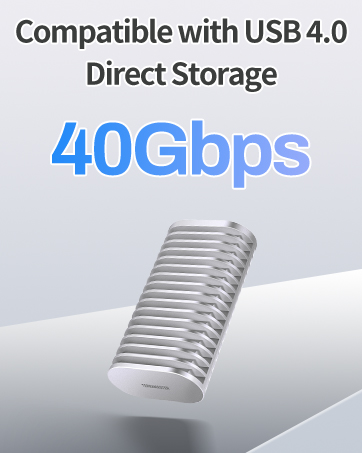
Ultra-Fast 40Gbps Transfer Speeds: Experience pro-level speeds with this D1 SSD Plus 40Gbps NVMe enclosure, delivering read/write speeds up to 3853MB/s and 3707MB/s (tested with the 990 PRO 4TB on a Mac mini M4 Pro via the Thunderbolt 5 120Gb/s interface). Transfer a 3GB file in just 1 second, perfect for 4K video editing, large backups, and time-sensitive workflows.
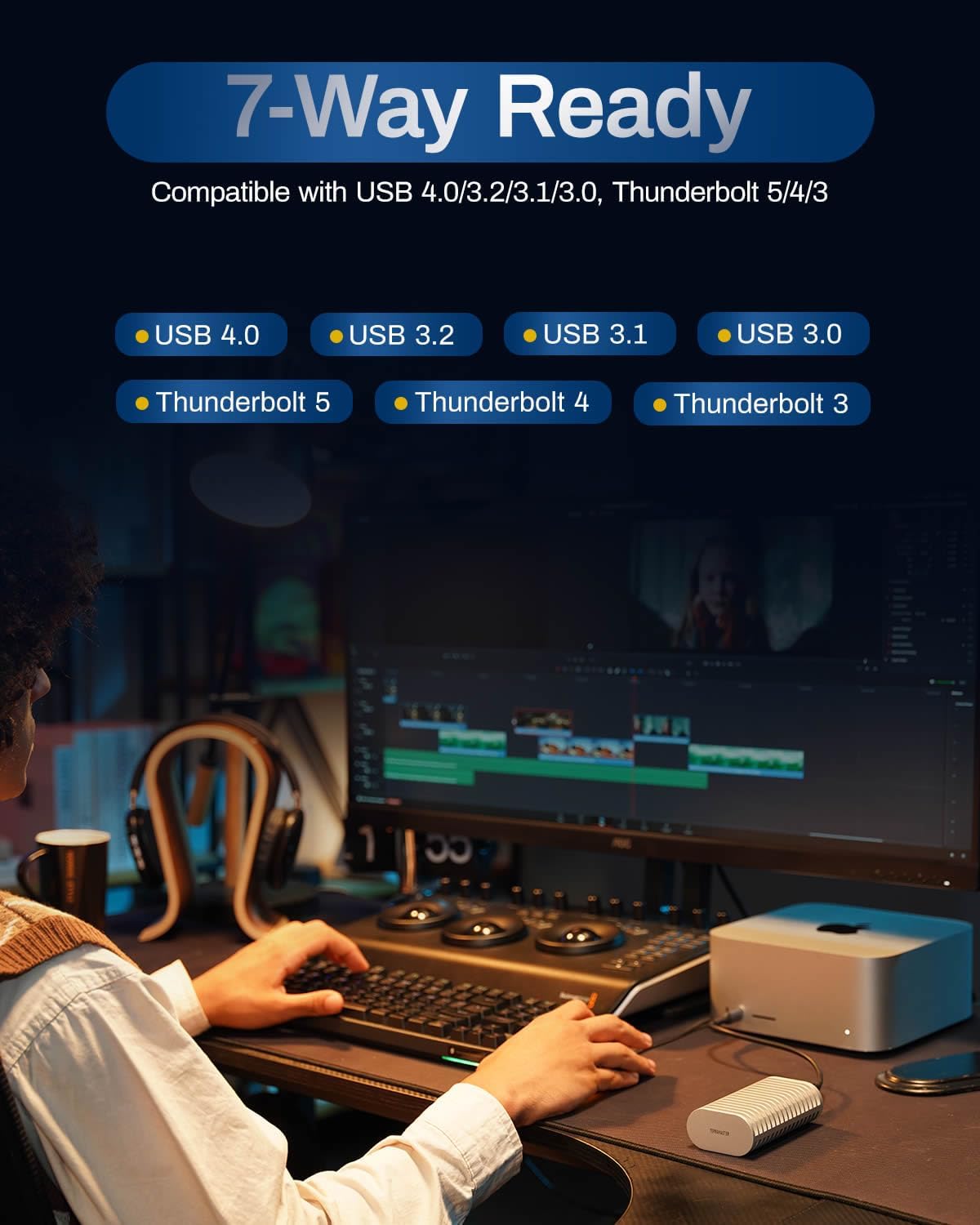
Universal Compatibility: The D1 SSD Plus M.2 enclosure works seamlessly with Thunderbolt 5/4/3 and USB 4/3.2/3.1/3.0/2.0. Use it as a high-speed SSD enclosure for Windows, Mac, or even gaming consoles.
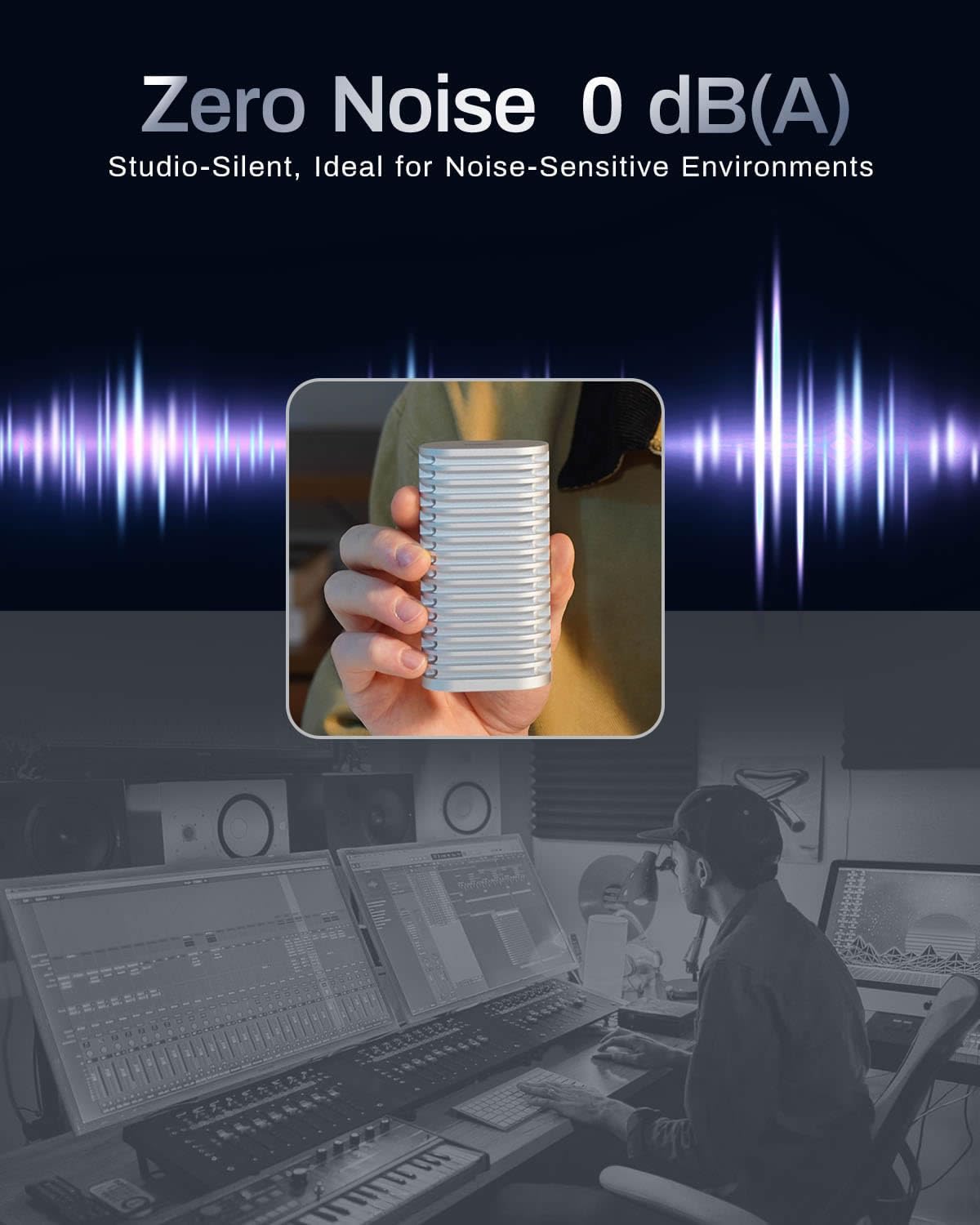
Silent, Cool, and Durable: The fanless all-aluminum NVMe SSD enclosure features triple-sized heat dissipation to keep your SSD cool under heavy workloads. Compact and rugged for travel or demanding environments.
Plug-and-Play Expandability: The D1 SSD Plus SSD enclosure supports M.2 NVMe 2280-size SSDs up to 8TB. Ideal as a Mac mini storage expander or bootable macOS SSD enclosure.
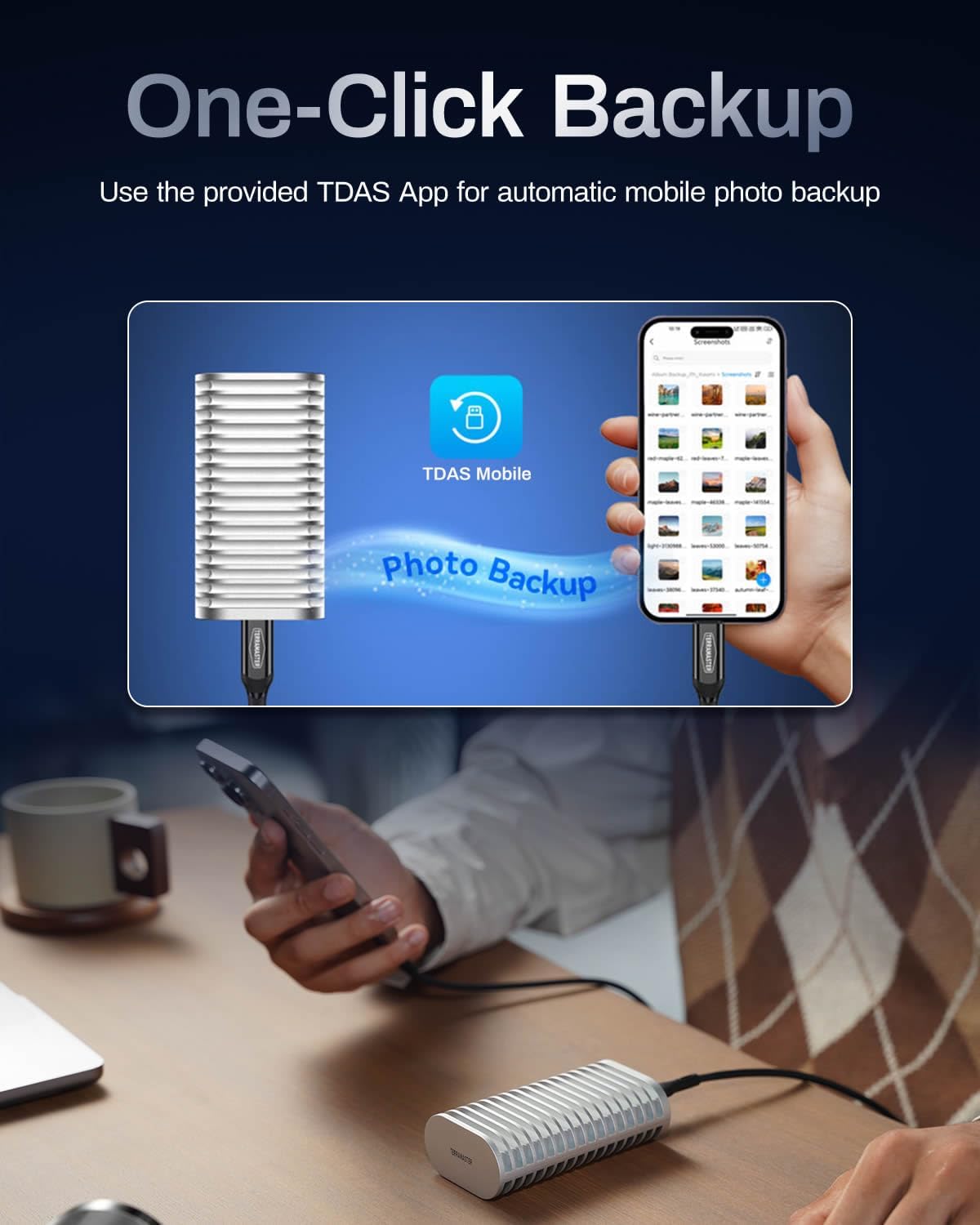
All-in-One Backup Solution: Turn this M.2 NVMe SSD enclosure into a backup hub: The included TDAS Mobile App lets you effortlessly back up photos/videos from iOS/Android devices, while TPC Backupper software enables scheduled Windows backups.
13 reviews for TERRAMASTER D1 SSD Plus 40Gbps M.2 NVMe SSD Enclosure – Aluminum M.2 Enclosure USB Type-C, Compatible with USB 4/3.2/3.1/3.0/2.0, Thunderbolt 5/4/3, Mobile App for Data Backup Included (Diskless)
Add a review

$109.99
mjmck –
Great TB enclosure
I bought this to use a Samsung 990 pro that I picked up during prime days. I already had a Minispero enclosure with a 2 TB WD black booting my M4 Mac mini. Copied the the drive to the new 4TB Samsung with the terramaster D1. My intention was to use both on the TB ports and all started out good. The problem started after my first reboot, The Terramaster booted up and ran great no issues and no problems with heat. The old drive was running great as well until I turned on the second monitor. Seems the entry m4 Mac Mini cannot support 3 Thunderbolt 4 devices at once. The Terramaster maintained 3200MBS. The monitor was fine but the Minispero 2TB divine dropped to 10GBs. after some research I discovered reason. Seems the Mini does not have the bandwidth. I tell you all this because the D1 enclosure is on of the best I have used. It is fast super well built with a TB5 cable included despite it being TB4 device. Although the Mac limited my ability to use all 3 at the same time with the result I was looking for the D1 excelled. I would recommend it for its build quality and speed.
The AngelArs Foundation –
Best enclosure so far
This is by far the nicest enclosure I’ve used. The beefy heatsinks are impressive and the speed is great.
Brett Solem –
Perfect for large file transfers.
Perfect for fast big file transfers!I have an 8tb wd ssd that would overheat and crash on sustained loads in a cheap enclosure. I moved it into this chonky beast and transfered 7tb of data. No problems and while it got warm it never felt too hot during the transfer! It also looks awesome on my desk!
Bob Beck –
Best external NVME enclose I have found so far
This thing works great!But remember not all NVMe drives are created equal. If one of your drives is slow the inbound will be slow.I have a Samsung 990 PRO SSD in this.In running transfer test I found that if the computers internal drive was decent it could maintain write speeds to the external of 2 -3 GBs depending on the source computer and its drive. (Both computers tested were 4 years old or older.) If you have a newer computer with better internal drive I expect you will see faster speeds.When writing to at computers internal drive it is way more limited but limited by the computer and the internal drive.You always get a burst and then it slows way down. If found that the burst was about the same speed as the out bound write speed and then the age of your computer kicks in. on my 10 year old win 10 it dropped to about 100MBs, on my newer 4 year old running a Samsung 990 EVO Plus SSD it was able to maintain about 500MBs, I also noticed that after about 2 min of transfer the speed picked up to about 1GBs Average was about 700MBs.Wish: I wish that there was a big rubber loop at each end to protect the drive inside if it gets dropped. the bag it comes with is not padded.
Rome –
Fast, sleek, and… hot!
TerraMaster D1 SSD Plus left an extremely positive impression both technically and in terms of user experience. This is a rare case where a compact external enclosure truly unlocks the potential of an NVMe SSD instead of choking it with the typical 1 GB/s limit. Paired with a Seagate FireCuda 530R on an M-chip MacBook Pro, the enclosure easily delivers around 3.2 GB/s for both read and write when connected via USB4/PCIe, while the drive is correctly recognized as an NVMe device, with SMART, TRIM, all service logs, and temperature monitoring available. For real work with large volumes of data (terabytes copied per session), this is critically important — the speed is stable, there is no throttling, and the SSD temperature stays within comfortable limits.P.S. There are a lot of mistakes in the ru version of the manual (and there is no UA version 🙁 ), but this doesn’t affect anything, lol.It’s also worth noting compatibility and behavior on macOS: the device works out of the box as a full-fledged PCIe storage device, not as a generic “USB mass storage” device. The drive is detected as a Seagate NVMe drive, APFS works correctly, all system features such as TRIM are supported, and SMART diagnostics show health status, endurance, total TB written, and more. For users who want maximum control and detailed diagnostic information from an external SSD, this is a huge advantage. In practice, it feels like working with an internal NVMe drive, just placed inside an external enclosure.Speed deserves special mention. Once the setup operates in PCI-Express mode rather than standard USB, sequential read and write speeds for large files consistently stay around ~3.2 GB/s, even with file sizes of 10 GB and above. This clearly demonstrates that the enclosure itself is not the bottleneck — the limitation is more likely the bus and stack implementation rather than the D1 enclosure. For video editing, large projects, virtual machines, backups, and fast transfer of massive data sets, this level of performance makes the device a professional-grade tool rather than just a “larger flash drive.”There are a few minor downsides that don’t spoil the overall impression but are worth mentioning. First, the packaging: the box arrived slightly dented. This isn’t critical, but for a premium product, better protection during shipping would be expected. Second, the internal construction: between the metal plates inside the enclosure, there is no rubber or damping material. The plates may not fit together perfectly rigidly, which could theoretically cause slight vibration or rattling during movement or transport. This does not affect functionality or reliability, but from a tactile quality standpoint, a more refined internal isolation would be welcome.Overall, the D1 feels like a very successful and well-engineered NVMe enclosure: compact, fast, compatible with modern Macs, fully unlocking the capabilities of high-speed SSDs while providing access to all drive service and diagnostic information. Based on real-world performance and behavior under sustained load, it can confidently be recommended as one of the best external solutions for users who want an almost “internal” NVMe experience in the form of an external drive.
Methodchap –
Great little SSD holder for system
Have a laptop but needed more room with a SSD, this mount both keeps it protected from damage but also keeps the heat dissipation up. Great value for the price. Only con might be how hard it is to navigate the small screws into their holes, but this small con also means it’s held together tightly. Would buy again.
Isaac –
Bulky but very good cooling.
This is much better than my previous ORICO ssd enclosure, a little bit bulky, but keep the ssd temperature very low with ordinary workload. It was 70 Celsius when using ORICO
Philip R. Davis –
Meh, get one with a fan.
For a passive cooling enclosure, this thing runs hotter than everything else it’s connected to. Running with a heatsink M.2 still hella hot.
Kyle –
The enclosure is well made – pieces fit snugly together, and the applied silicon pad was easy to use.Came with an extra pad if-needed.PCB looks high-quality.Paired with a Samsung 990 Pro, the drive barely gets warm.Works well with my USB 3.2 ports.White LED indicator light turns off when the PC is asleep.
too clever by half –
This is a quality USB4.0 external enclosure. It uses a ASM2464PD chipset, like most other in the market (except real Thunderbolt 3/4 devices that uses Intel JH7440).It does the same job compared to other external USB4.0 enclosures in the market, albeit in quality and better thermals for your SSD.It comes with thermal strip pre-applied, a nice screw driver with some silicon grip, and a velvety grey Terramaster bag for travelling. Bag is not padded, but it will protect from scratches, not dents if you swing your bag around.The aluminium shell is thick and heavy – I own more than 15 various USB4.0, TB3/4/5, USB 3.2 Gen2x2 (20Gpbs) and USB3.2 (10Gpbs) enclosures. This Terramaster enclosure feels very premium, almost like an Apple made product. It uses a retaining screw design so you won’t lose the external screw. Inside it uses the same Philips screw for mounting the SSD (you can lose this one, and there are no spares provided). To open the case, you slide up and seperate from the top part (where the screw is located). Closing is a reversed matter where you slide in back in from a slight angle. Very easy.I tested the speed using Mac Studio M2 Max, as a boot drive running 15.6 Sequoia. Benchmark from Blackmagic speed test at approximately 2600MB/s read and write. I am using a budget Gen4 Ediloca 2TB SSD without DRAM. The enclosure speed is similar to a TB3 enclosure from Acasis TBU405 PRO (Intel JHL7440), but I noticed Thunderbolt is more responsive than USB4.0. This stands true from a UGREEN, HAGBIS and ORICO USB4.0 drive with same ASMEDIA chipset.Would I recommend it? YES – if you want quality and asthetics and willing to pay a little more, it also comes with Terramaster’s TDAS Mobile App backup software which works with both iPhones and Android phones. It runs silent but the SSD is slightly hotter than the Acasis (it has an almost silent fan).But if you are on a budget and do not need to plug this into your phone, then a cheaper alternative USB4.0 would provide the same speed (but not necessarily temps for you SSD depends on the design). Just don’t choose the super-slim ones as they tend to run hotter due to smaller surface area for heat dissipation.
Amazon Customer –
Good speeds. Appears to be a decent product. Used with WD SN7100 and achieved speeds of 3514MB/s write & 3109MB/s read. Seems to dissipate heat efficiently.
Kyle –
Installed a 2 TB Samsung 990 Pro in this enclosure and tested it with my M4 Max 16 and I’m getting 3500 mb/s symmetrical. Pretty amazing for an external drive.
Marc S. –
Portable and dissipates heat well.