

TPSPAD Windows Tablet with Keyboard, 11.6 inch 2-in-1 Tablets Laptops Touchscreen Windows 11, Intel Celeron, 1920 * 1080 IPS 8GB RAM 256GB EMMC 2.4G/5G WiFi Bluetooth HDMI USB
$249.99
Related Products





Product description


 Support HDMI
Easily connect to monitors and projectors via HDMI.
 Bluetooth 4.0
Low-power Bluetooth connectivity provides a low-latency experience when connecting devices such as keyboards, mice, headphones, speakers, etc.
 2.4G/5G Wifi
Built-in 2.4G+5G dual-band WiFi for stable and smooth network connection.
 Studio Mode
Studio mode for designing, creating, watching movies and more
 Tablet Mode
As a tablet, suitable for gaming, taking pictures, reading and more
 Laptop Mode
As a laptop, suitable for study and work, very convenient and easy to use
Other Products
Size
16 inch
Size
8 inch
Size
10.1 inch
OS
Windows 11
OS
Android 12
OS
Windows 11
CPU
Intel N95
CPU
T310
CPU
Intel N4020
Storage
16GB+512GB
Storage
3GB+32GB
Storage
6GB+64GB
Resolution
1920*1200
Resolution
1280*800
Resolution
1280*800
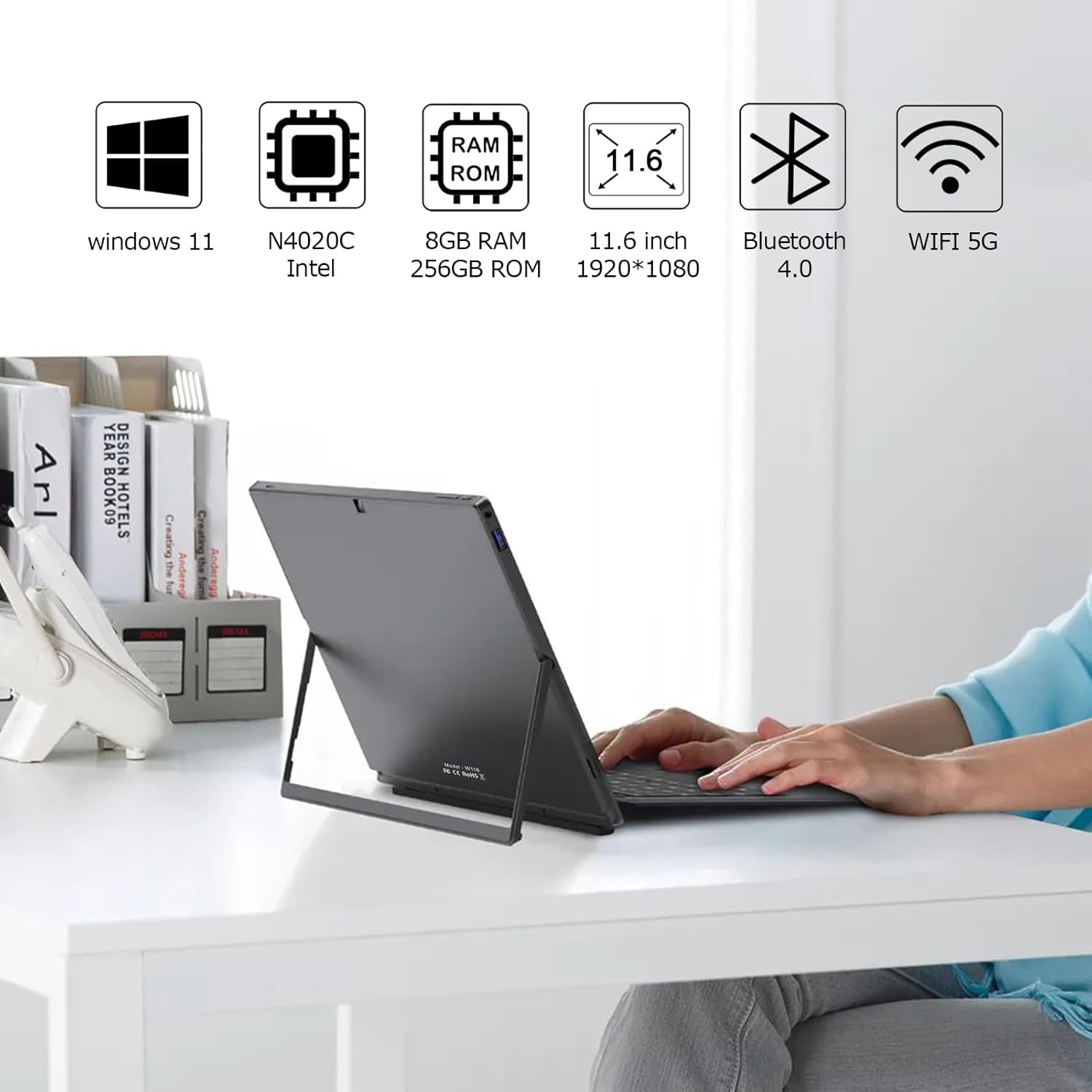
★2 in 1★ The TPSPAD tablet detachable 2-in-1 touchscreen laptop blend the utility of a laptop and the convenience of a tablet. You can remove the keyboard portion of the tablet when you desire maximum portability.
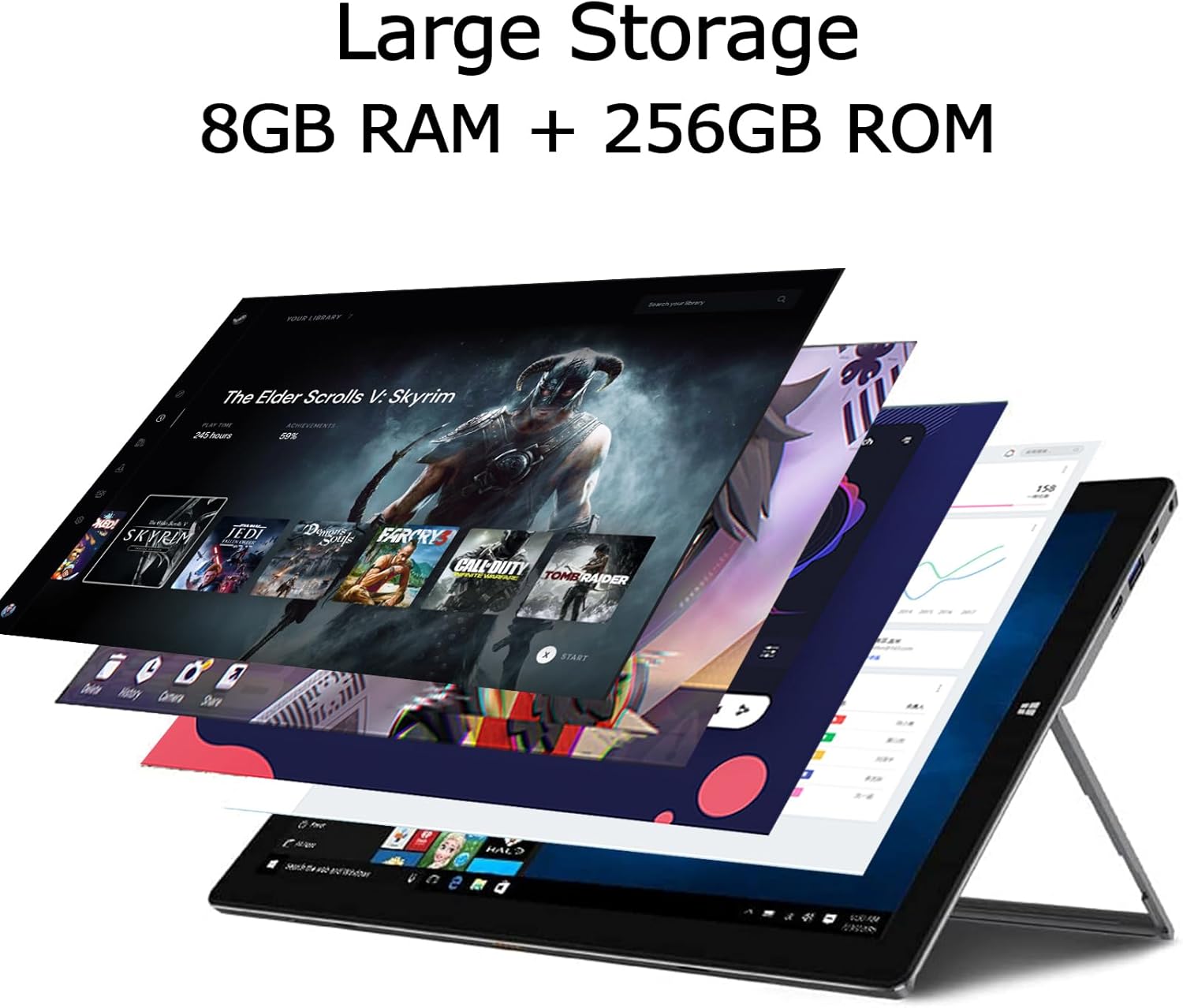
★Powerful★ A Portable 11.6″ windows 11 detachable 2-in-1 tablet with Intel Celeron. 5000 mAh battery. 8GB RAM + 256GB EMMC. Perfect for your everyday tasks, homework, and play.
★IPS Display★ With the 11.6″ 1920×1080 IPS display, the laptop’s 10 point touchscreen is crisp, vibrant and bright.
★Lightweight★ The TPSPAD tablet pc is just 11.6*7*0.36 inches 1.75 pounds. Perfect for your on-the-go lifestyle.
★Keyboard★ The TPSPAD tablet comes with type cover keyboard which turns into a proper laptop replacement.
8 reviews for TPSPAD Windows Tablet with Keyboard, 11.6 inch 2-in-1 Tablets Laptops Touchscreen Windows 11, Intel Celeron, 1920 * 1080 IPS 8GB RAM 256GB EMMC 2.4G/5G WiFi Bluetooth HDMI USB
Add a review

$249.99
EPP –
Fast Shipping works great
Price was very reasonable. The keyboard is a great asset for me. My hot Spot on my phone powers WIFI on tablet. The speed is very good.
Paul Banks –
P. O. S.
First time I turned it on it was as someone else started the set up. It didn’t go through any of the normal windows set up. Then ever time i tryed to type anything. The windows search and power pop up window kept popping up. I would type 4 letters then all of a sudden the popup what a P.O.S. I never had a device act that way right out of the box. I’d rate it a 0 or even lower if I could.
MtheK –
LAN access
FYI: I FINALLY got the LAN to work!I had to buy an RJ45-to-USB-A adapter w/a short male-to-maleRJ45 cable which plugs into my router. Now, all machines cancommunicate w/each other across the LAN.However, File Explorer seems to be faulty in ANY machine.It USUALLY will NOT show the PC name (ie: \’USERDOMAIN’) in theleft side under the ‘Network’ “folder”. I USUALLY have to enterthe PC name at the top, and it will then USUALLY get access, thoit may take half a dozen attempts to do so, failing w/an eventualwindow saying “Windows cannot access…”.I made a .bat to do this for me, which runs ELEVATED under WTSat Startup and repeats every 10 minutes, using ‘dir \xxx,etc’against a share, which ALWAYS seems to work, regardless of whatExplorer says.All I can say is, if you try to do the same thing, GOOD LUCK:you’ll need it!
Securitywyrm –
Fully functional but a little worrying on setup
Fully functional but when you first turn it on, it is already setup as an admin account and logged in. While this means it’s ‘ready to go’ it also means that someone manually installed windows, set it up, and thus it’s not a ‘blank’ laptop. While I dug through and didn’t see any spyware, it being setup to that state might be an issue.
Graham Bennett –
Not tested
The tablet did not work with the internal display, it worked when connected to an external display but that is not our use case.
anthony m. –
Start menu popup disease, stage 4
I had the exact same problem as Paul Banks. Maybe he returned his and I got the same tablet. First power up did not ask for windows setup like the instructions said it should. The device had already been set up in admin mode. Windows start menu pops up so often the tablet is not useable. When I dismiss it, I can scarcely get 1 letter typed on the keyboard before it pops back up again.Changed start menu settings, did a complete reinstall of Windows, completed all the updates and setup process and the start menu problem persists. Will be returning.
DoctorChewbacca –
Good Tablet – OK Keyboard
This tablet computer is great for light work, streaming, and internet browsing – exactly what you’d want out of a tablet computer. It doesn’t have the specs for heavy use or gaming – but is great for streaming Netflix, and checking email.The tablet itself is a nice build. It feel sturdy. It has plenty of ports so you can connect accessories and external harddrives. There is also a built in micro-sd port, too (for added storage beyond the 128gb included). I like the stand built into the tablet (usable without the keyboard.The keyboard snaps into place and connects. The Keyboard isn’t a very smooth experience with the keys and buttons being a hard plastic “clicky” experience. It gets the job done, but isn’t my favorite. I prefer using a bluetooth keyboard for a better experience.It arrived with the operating system already set-up (Admin user). This was a bit strange and concerning (vs having the user set-up their account). There did not appear to be any malware installed. It did also come with a printout with the Windows key on it, along with a note that it is a legit copy of windows.Be sure to install windows updates prior to using the machine. You’ll need all the HD space to download the updates.If you need a tablet for light computer use, this is a solid one.
Ximena Rodriguez Tunales –
Excelente producto, estoy muy satisfecha