

Samsung 24” (S40GD) Borderless Business Monitor with IPS Panel, 100Hz Refresh Rate, Eye Saver Mode, Ergonomic Design, Game Picture Mode, LS24D402GANXGO, 3 Yr Warranty
Original price was: $159.99.$99.99Current price is: $99.99.
Related Products


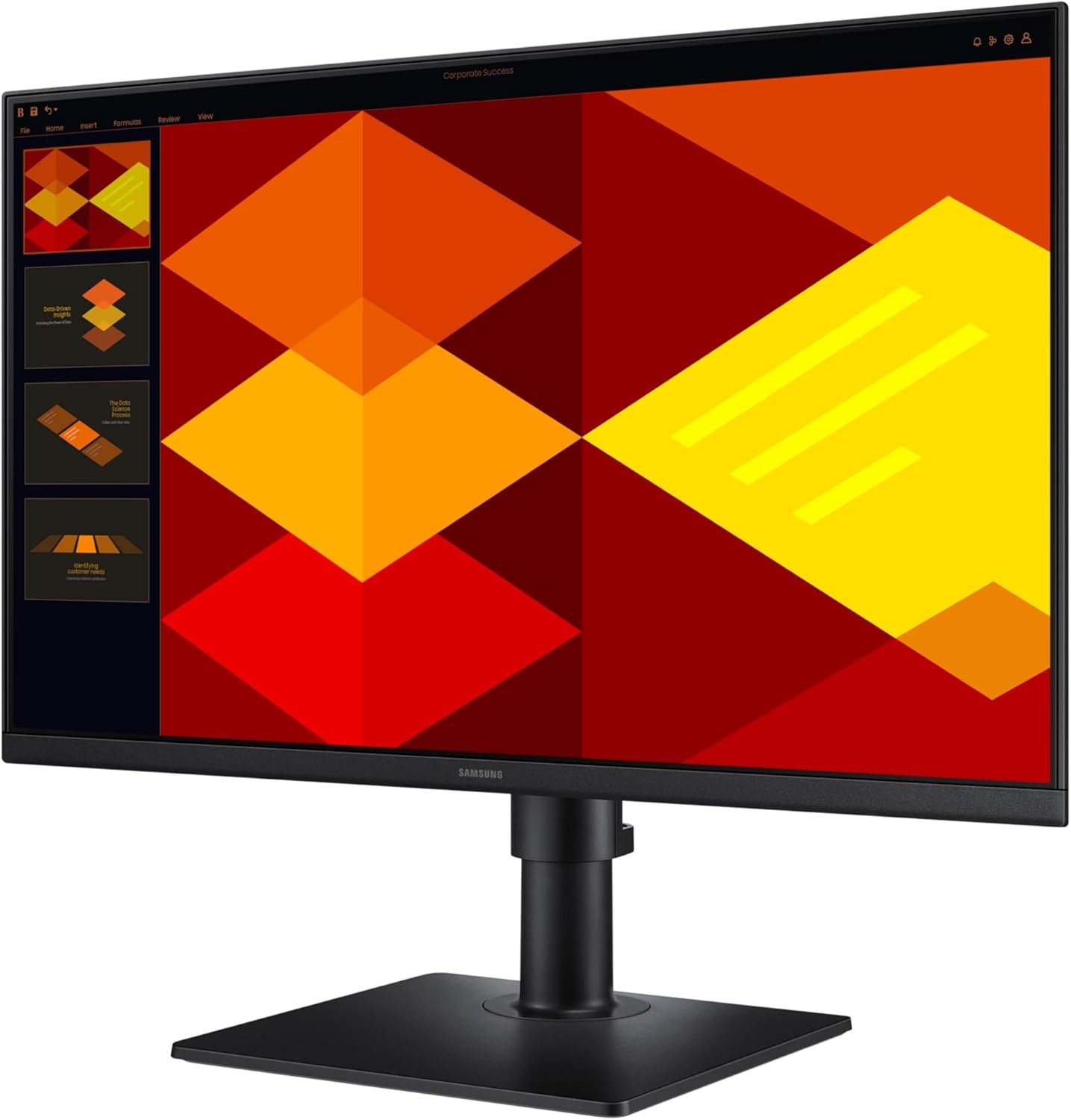


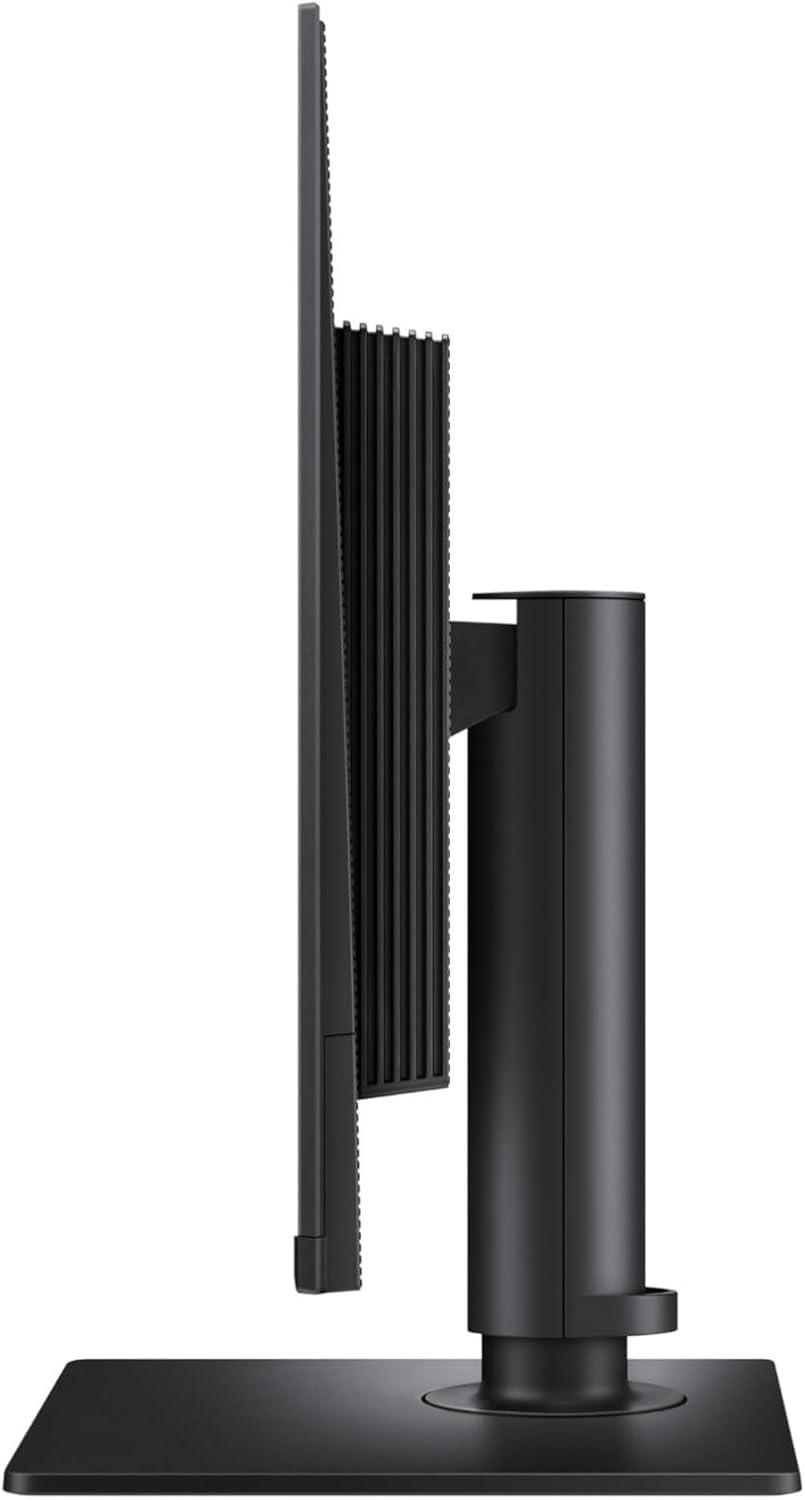


Samsung’s S4 Business Monitor enables smooth performance spanning any content, whether working or playing. The IPS Panel delivers a stunning color experience across the entire display with less color washing, offering clarity from any viewpoint so tones stay consistent and accurate. The 100Hz refresh rate reduces lag and motion blur. Game Picture Mode with optimizable game settings enables instant adjustment of color and image contrast. Eye Saver Mode protects vision, reduces blue light and screen flicker, and extends comfort even during long sessions. The ergonomic super-slim design with a height-adjustable screen allows the best angles and more versatility, while ultra-thin border bezels make the most of screen space, and the screen can be pivoted 90 degrees for a vertical view. Multiple connectivity enables devices to be plugged straight into the monitor for increased flexibility.
*Default refresh rate is set to Hz, and may be adjusted to 100Hz in the monitor’s settings. **Image simulated for demonstration purposes.
VIVID COLORS ACROSS THE WHOLE SCREEN: Experience stunning colors across the entire display with the IPS panel. Colors stay bright and clear across the screen, even when angles change. Tones and shades are represented consistently with less color washing.
SMOOTH PERFORMANCE ACROSS ANY CONTENT: Stay in the action when playing games, watching videos, or working on creative projects. The 100Hz refresh rate reduces lag and motion blur so you don’t miss a thing in fast-paced moments.*
OPTIMIZED GAME SETTINGS FOR EACH GENRE: Gain a competitive edge with optimizable game settings. Color and image contrast can be adjusted to see scenes more clearly, while Game Picture Mode adjusts any game to fill your screen with every detail in view.**
EASY ON THE EYES: Protect your vision and stay comfortable, even during long sessions. Stay focused on your work with reduced blue light and screen flicker.**
FLEXIBLE ADJUSTMENTS: A slim design adds style to any environment, with a height-adjustable screen to give you the best angle and more versatility. Ultra-thin border bezels make the most of screen space, and you can even pivot the screen for a vertical view.
CONNECT TO MORE: Plug devices straight into your monitor for increased flexibility, making your computing environment even more convenient.
9 reviews for Samsung 24” (S40GD) Borderless Business Monitor with IPS Panel, 100Hz Refresh Rate, Eye Saver Mode, Ergonomic Design, Game Picture Mode, LS24D402GANXGO, 3 Yr Warranty
Add a review

Original price was: $159.99.$99.99Current price is: $99.99.
Vadim –
Samsung does not disappoint!
One of the best business monitors I have ever purchased, and the price is right. Highly recommend!
TXMamaOf3 –
Everything Included!
Very happy with this purchase. I purchased two monitors for my WFH office. After ordering I was concerned that I would need new DP cables to connect to the computer docking station. No need to worry! Each monitor came with both HDMI and DP cables. Took about ten minutes to set up both monitors. Very easy to unpack and connect. Outstanding value and picture quality is excellent.
d –
I like this monitor.
Really good monitor. No complaints.
Amazon Customer –
A nice price-point for a Samsung monitor.
It has a very nice display; however, it lacks controls for brightness, contrast. etc. The stand is well designed with smooth height & rotation adjustments.
T. Sewell –
Works as it should
Works as it should. Using it in portrait mode.
LAB –
Good Buy
Due my limited knowledge with computers I had to wait and get a friend to set it up for me. It is excellent for a very senior age male, the font size is large, and the picture is very clear.
Animatus –
Ehh… Picture Quality
Easy to install. Picture quality is Fair (Honestly disappointed). I like the height adjustment and ability to rotate the screen…. maybe it’s OK for $100. Might need to send this back…
gso –
Good color
Good price and color
RAMON ARMANDO GUTIERREZ VAZQUEZ –
Es un buen monitor, lo regrese porque el cable de alimentacion electrica es muy corto y no habia forma de no usar una extension para conectarlo.